
WikiVizitz
Wikipedia Pageviews Tracker — Search for a Wikipedia article with autocomplete, fetch its last 14 days of daily pageviews from the Wikimedia Pageviews API, store the data in SQLite, and view an interactive bar chart.
PythonSQLiteAPIData Visualization
What It Does
WikiVizitz is a desktop application that lets you search for any Wikipedia article, view its pageview statistics, and visualize the data. The interface guides you through three main stages:
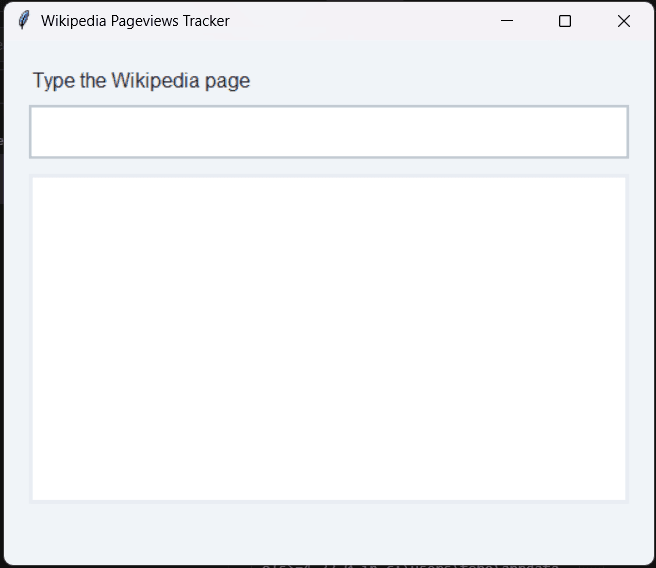
- Empty State — Start by typing a Wikipedia article name in the input field. The clean, minimalist interface prompts you to "Type the Wikipedia page" and awaits your input.
Autocomplete Search
As you type (e.g., "GitHub"), the app queries the Wikipedia Opensearch API and displays real-time suggestions in a dropdown.
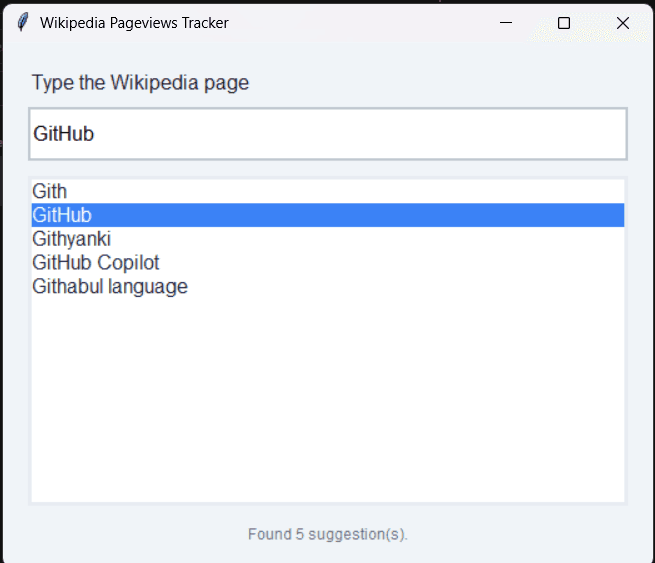
- You can navigate through suggestions and see how many matches were found (e.g., "Found 5 suggestion(s)").
- The autocomplete feature makes it easy to find the exact Wikipedia article you're looking for.
Pageview Visualization
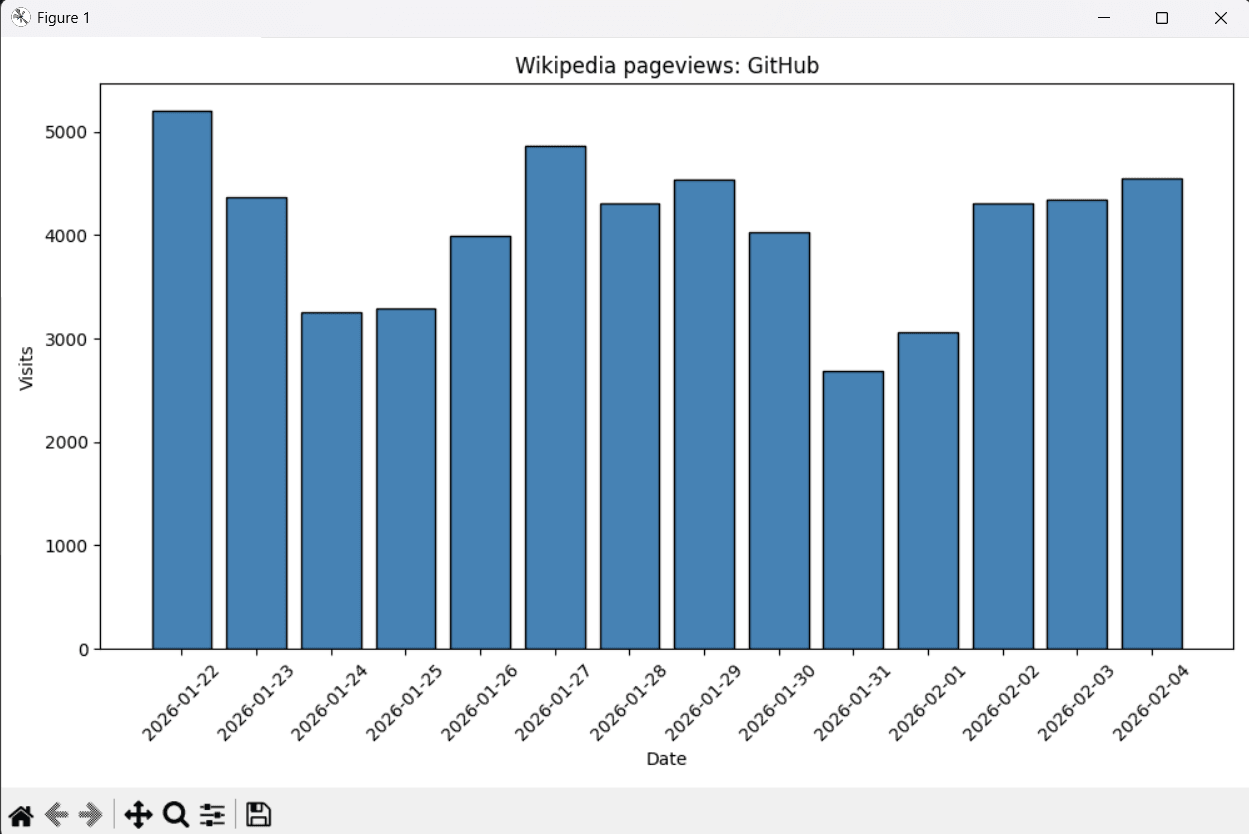
Once you select an article, the app fetches the last 14 days of daily pageviews from the Wikimedia Pageviews API, stores the data in SQLite, and displays an interactive bar chart showing visit trends over time.
- The bar chart visualizes daily pageviews with interactive navigation tools (zoom, pan, save).
- Each bar represents one day's pageview count, making it easy to spot trends and patterns.
Features
- Real-time autocomplete — Instant Wikipedia article suggestions as you type, powered by the Wikipedia Opensearch API.
- 14-day pageview history — Fetches and displays daily pageview statistics for the selected article.
- SQLite storage — Stores fetched pageview data locally for quick access.
- Interactive bar chart — Visualizes pageview trends with a matplotlib-generated chart that includes navigation tools (zoom, pan, save).
- No authentication required — Uses public Wikimedia APIs with no scraping or login needed.