
Raycaster Find the Door
First-person 3D maze game using classic raycasting. Find the golden key, unlock the brown door, and reach the green door to win.
Game Overview
Goal: Find the golden key, then reach the brown locked door, then the green door to win.
- Maze: Fixed 2D grid (16×16). Each cell is empty or wall; special cells: key, locked door, exit.
- Renderer: Classic raycasting (GPU GLSL or CPU fallback). Walls and floor/ceiling with distance shading (depth effect).
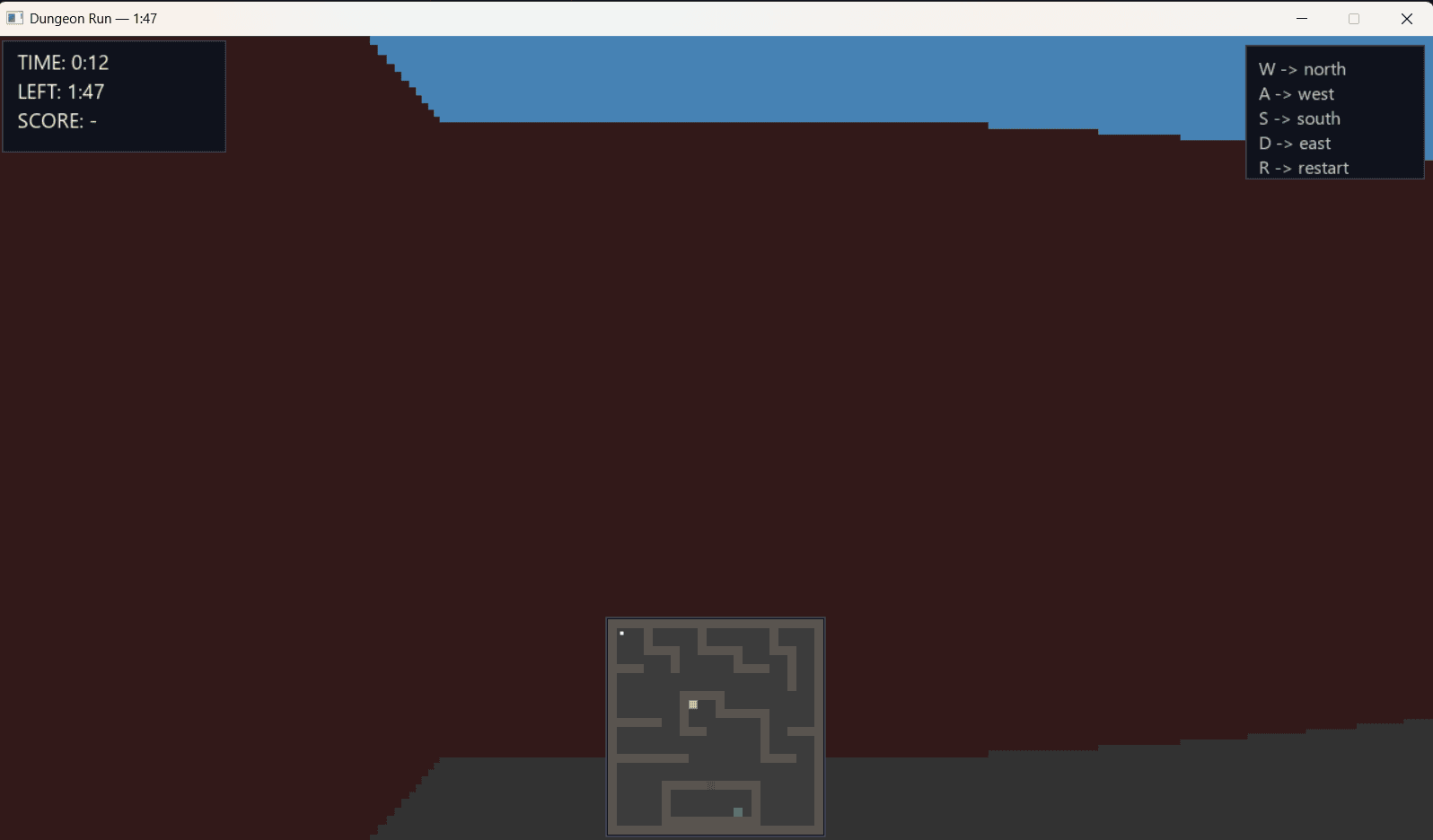
- UI: Timer (countdown), elapsed time, score on screen; minimap at bottom to help find the door.
Controls (First-Person)
- W / S → Move forward / backward
- A / D → Strafe left / right
- Mouse → Rotate view
- SPACE → Start game (on title screen)
- ESC → Quit
Gameplay Experience
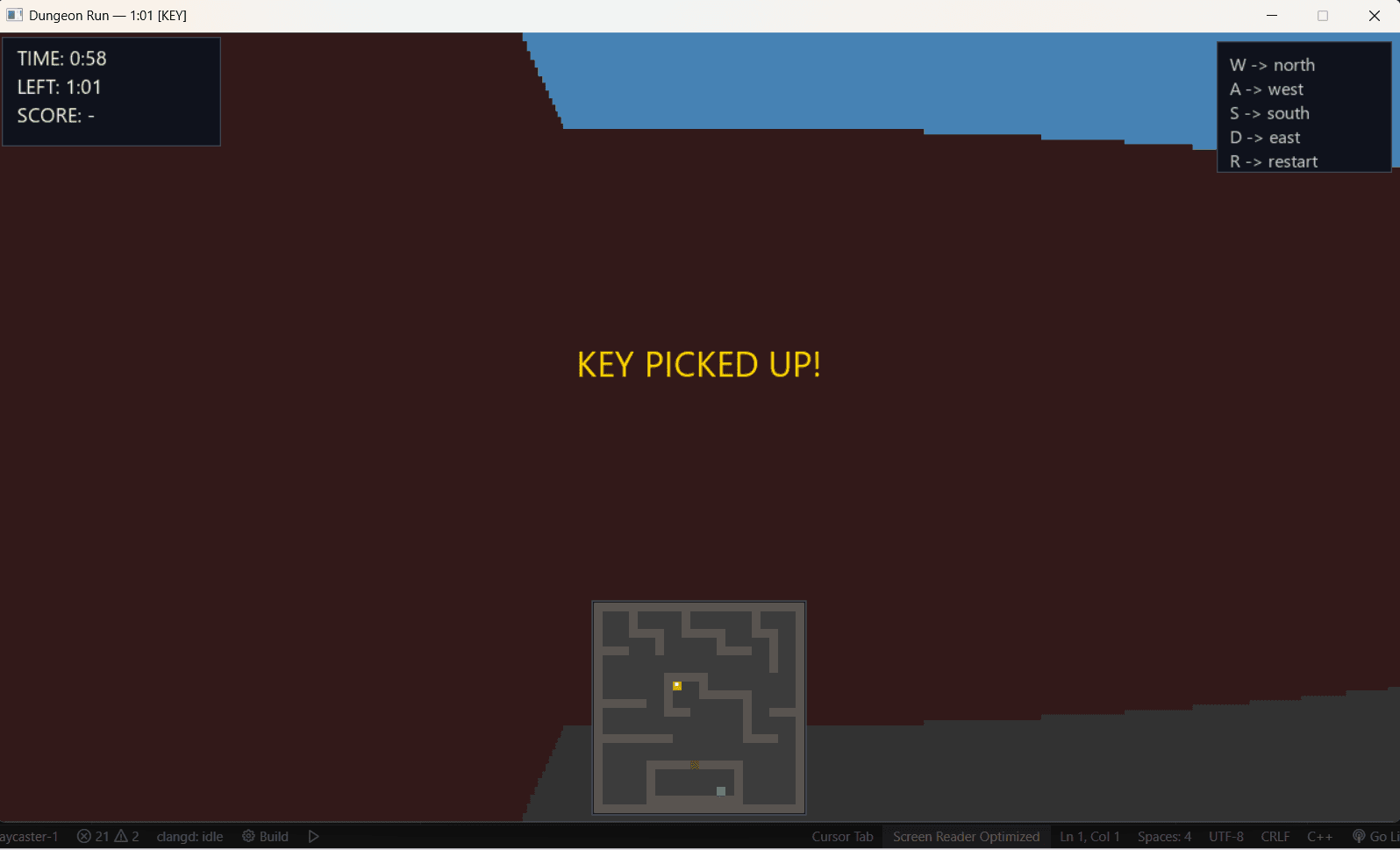
Navigate through the maze using first-person controls. The raycasting engine renders the 3D environment in real-time with pixelated walls, floor, and ceiling. When you pick up the golden key, a bright yellow "KEY PICKED UP!" notification appears prominently on screen, confirming you've collected the required item.
Navigation and Minimap
The minimap at the bottom center provides a top-down view of the entire maze, showing your current position as a white dot, the yellow key location, brown locked door, and green door. The HUD displays real-time game statistics including elapsed time, remaining time, and current score.
Game Mechanics
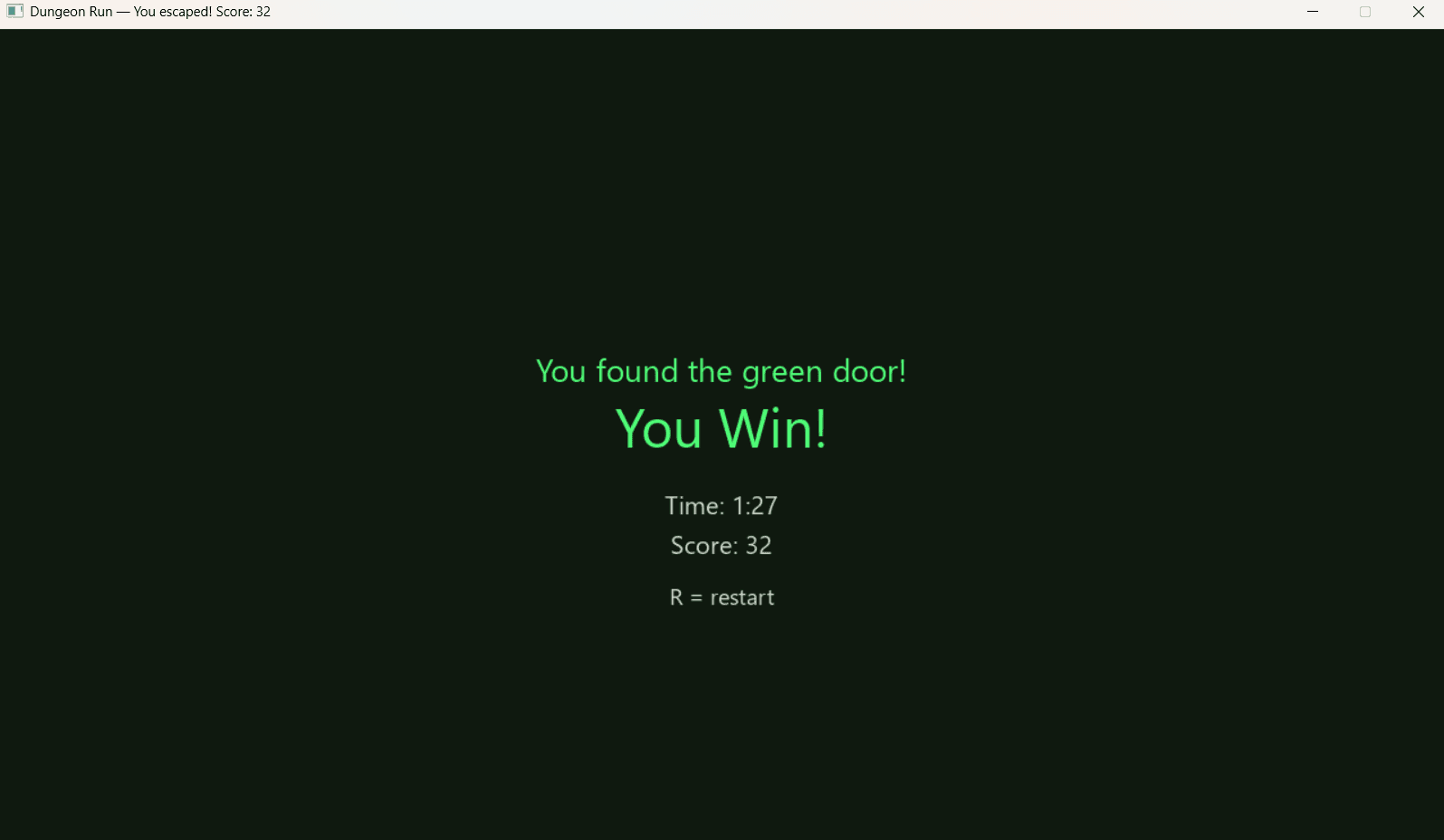
The game features a countdown timer starting at 120 seconds. Your score is calculated based on time remaining when you successfully reach the exit. When you find the green door with the key, the game displays a victory screen showing "You found the green door!" and "You Win!" along with your final time and score.
- Timer: Countdown from 120 seconds. When it reaches 0, game over (score 0).
- Score: Time remaining when you reach the exit (1 point per second survived).
- Win Condition: Reach the exit door with the key → full-screen victory message with time taken and final score.
Implementation Approach
I implemented GL shaders after starting with SDL2 CPU rendering deliberately:
- Transparent CPU-GPU Transition: SDL2 let me see exactly how my raycasting algorithm produces each vertical slice on the CPU. This made GPU acceleration and GLSL shaders much more intuitive once I implemented them.
- Stepwise Debugging: Shaders can be opaque to debug. By first controlling every CPU calculation — math, angles, distances, collisions — I built a solid foundation that now translates cleanly into GLSL.
- Minimal Boilerplate, Maximum Focus: SDL2 still handles windowing, input, and context setup, letting me focus purely on rendering logic. Adding GLSL shaders now fits seamlessly on top without disrupting the core engine.
- CPU-Visible Optimization: Testing performance on the CPU first helped me experiment with frame rates, resolution, and ray step sizes. This informed the shader implementation, leading to better-optimized GPU code.